
Utilize internal review (Pro plan)
Leverage prix's internal review feature.
Advanced feature available only in our [Pro Plan].
Enable internal review

Enable the internal review feature in the Settings section within the 'Settings' page in the left navigation bar.
Initiate internal review
Initiate internal review from the Contract Details page or the Create eSignature page.


1. Initiate internal review with an eSignature (in the eSignature creation page)
Create an internal review in the eSignature creation page.
After entering the 'Signature Information' and 'Signature Location' of the eSignature, click on 'Create eSignature' in the upper right corner to access the 'Initiate internal review' option
Request to generate an internal review after finalization by clicking on 'Request internal review'
After clicking on 'Request internal review', you will be directed to the contract detail page, as shown below.
Enter details about your request in the 'Request internal review' modal window that appears on the detail page

In the 'Request internal review' modal window, you can enter the information about the linked contract and the values required for the request.
Title of the linked contract and list of participants
Information about the internal review request (draft title, reason for approval request, approval line)
Select one member for each approval line (the member's team must have permissions to the contract to be added as an approver)
Add attachments to your request
Once all the information is filled out, click on 'Request internal review' and a final confirmation window will appear
After finalizing the instructions, click on 'Request internal review' to complete the internal review request

You can also enter the information to request an eSignatureon the eSignature creation page and submit the eSignature request without requesting internal review. (Click 'Proceed with contract' -> 'Start signing' in the upper right corner)

2. Initiate internal review without eSignature (in the contract detail page)

If you click on 'Proceed with contract' in the top right of the contract detail page, you can use the internal review feature by clicking on 'Request internal review' from the drop-down options.
When requesting internal review on the contract detail page, you can select an between 2 options: 1) Proceed without eSignature, 2) Proceed with eSignature
If you click on the 'Proceed with internal review with eSignature' option, you will be directed to the eSignature creation page
If you click on the 'Proceed with internal review without eSignature' option, you can request an internal review directly from the Request internal review modal
After selecting 'Proceed with internal review without eSignature', you can upload the signed documents once the internal review is approved.
Manage and execute internal reviews
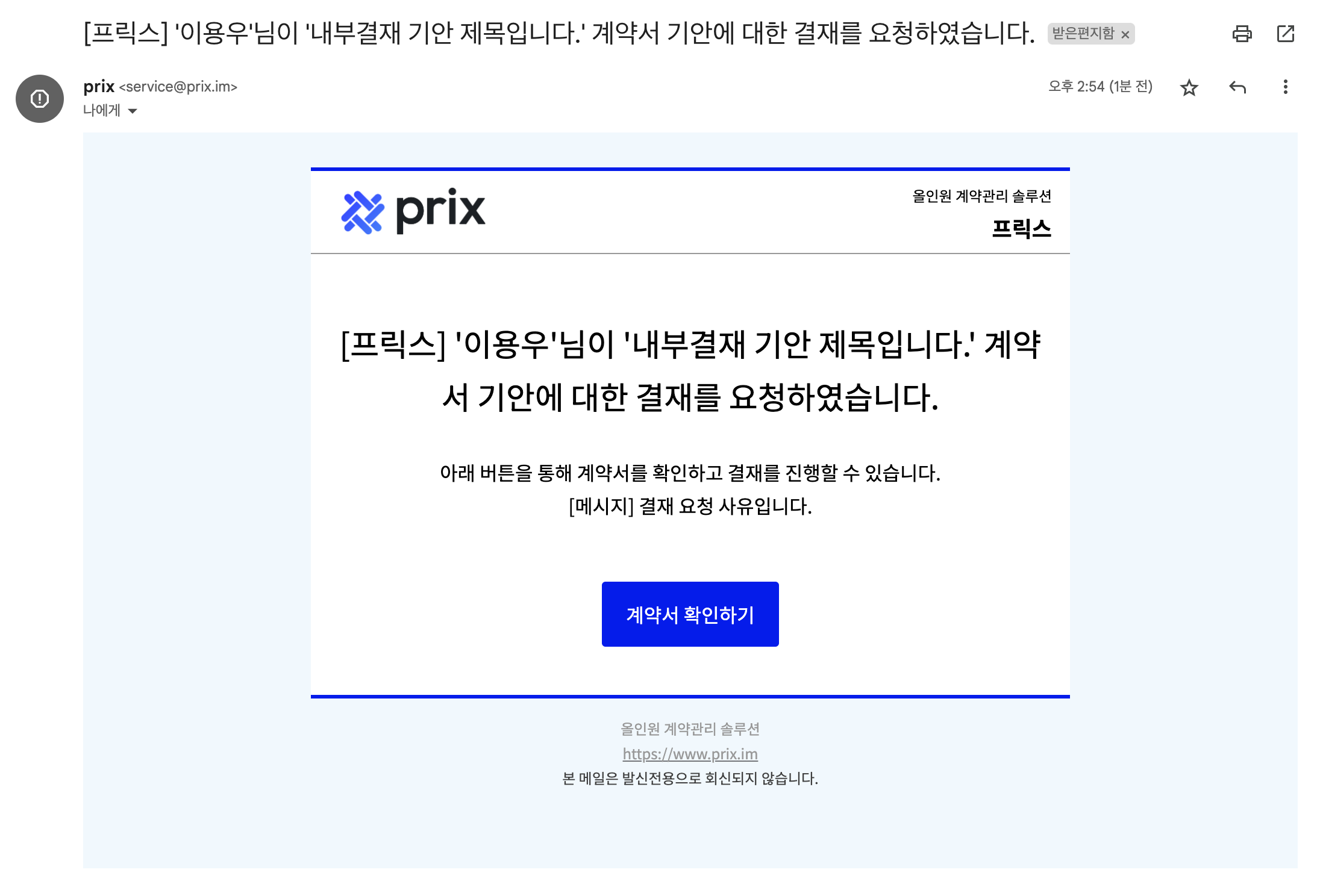
Once an internal review is initiated, an email is sent to the next approver, who can click the 'View contract' button in the email to proceed with the internal review.

Click on 'Proceed with internal review' button in the top right corner of the contract progress page to proceed to approval.
From the contract progress page, you can go to the contract detail page
Click on 'Proceed to internal review' in the top right corner of the detail page, which will take you to the 'Contract progress page'
On the contract progress page, you can follow the progress of the contract and proceed with internal review (you can also copy the link to the progress page by clicking on 'Copy link').
When approving the internal review request, you can select a signature/seal
The internal review will be processed sequentially according to the steps you set when you requested internal review.
If the currently logged-in user is the approver of that internal review stage, you can proceed as described above
If the current user is not the approver of the internal review stage, you can check the payment status as shown below
Check the progress of internal review on the 'Contract details' page, 'Contract progress' page, and if the internal review is in progress, on the 'Contract list' page.
Share contract progress externally
Copy and share a link to the contract progress page.
Check the status of your internal reviews on the contract progress page.

Last updated